How to export Slack data and keep control of your archive
Quick answer, updated
To export Slack data, have an authorized administrator check the available history and export scope, download the archive, and verify messages and attachments separately. Keep the original and a working copy in storage your company controls. We can help plan that structure without receiving your data. Licensing it is a separate decision.
By David Persson, editor of Data Licensing Index.
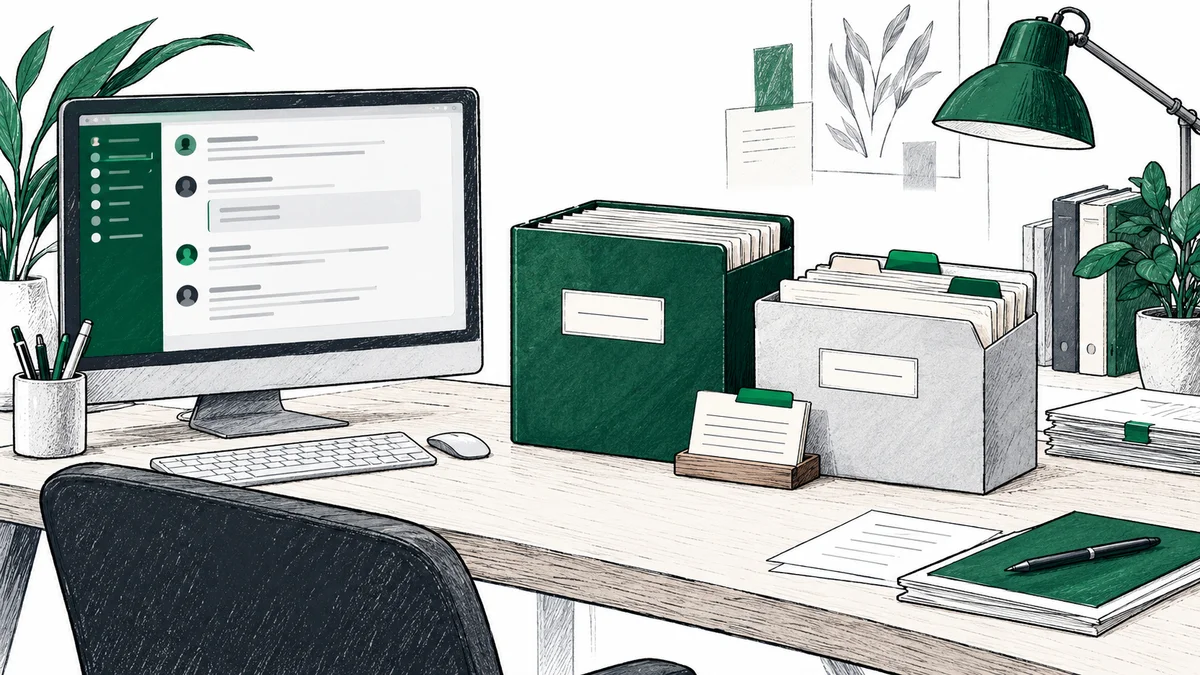
Your team keeps the original archive and a separate working copy in storage it controls.
A ZIP file is only useful if someone can tell what it contains, what is missing and who may use it. Plan those answers before changing your Slack subscription or deleting a workspace. The same plan can support an internal archive, a migration or a later licensing assessment. Each purpose needs its own scope and permissions.
Use this order:
- Record the history you need and who can approve the export.
- Check your plan, retention settings and available export scope.
- Download the export and account for attachments separately.
- Keep the original unchanged and organize a working copy.
- Check completeness locally before approving any material for sharing.
Jump to export scope, plan limits, download and attachments, archive structure, completeness checks, licensing or how we help.
1. Define the archive before requesting an export
Write a short export brief for your administrator. Identify the workspace, the business purpose, the date range and the types of conversations you need. Record private channels, direct messages and conversations with external organizations separately so they do not silently become part of a general request.
Your internal brief should name the person responsible for the archive, the storage location and the people allowed to access it. Add a retention or review date appropriate to the purpose. If counsel or another authorized person needs to approve the scope, record that decision before collecting the material.
We can help you turn a description of your systems into this plan. For that discussion, system names, approximate years of history and broad data categories are enough. Keep channel names, customer names, message text and the detailed inventory inside your company.
If Slack links to work held in Google Drive, Jira, GitHub or a CRM, list those systems as separate sources. A Slack export is not a backup of the systems it links to. For Workspace, use our guide to preserving Google data before cancellation.
2. Check what your Slack plan can export
Slack’s export documentation distinguishes the ordinary public-channel export from broader exports that require approval or activation.
| Plan | Standard starting point | If you need more |
|---|---|---|
| Free or Pro | Public-channel messages and file links | Private conversations are outside the ordinary export. Check the limited application route below. |
| Business+ | Public-channel messages and file links | Apply for access to exports covering all conversations. |
| Enterprise | Export options enabled for your organization | Ask Slack Support about access and the required scope. |
Slack’s import and export guide also describes an exceptional application route for Free and Pro workspaces under limited circumstances, including valid legal process, member consent or a right or requirement under applicable law. Explain your actual purpose when applying. Approval for one purpose is not permission for every later use.
Check retention before assuming years of history are still available. On Free, 90-day visibility and data retention are different limits. Retention can be set to 90 days or one year. Paid workspaces can also have custom deletion policies. An upgrade cannot restore content already permanently deleted by retention.
3. Download the archive and check the attachment gap
For a standard workspace export, an authorized owner or administrator uses Admin → Workspace settings → Security → Import & export data → Export, chooses the date range and starts the export. Follow Slack’s notification to download the resulting ZIP. Enterprise and approved exports have different controls; use the instructions for your plan.
Save the ZIP unchanged in your company’s controlled storage. Record the export date, requested range, selected scope and administrator. Extract a separate working copy for inspection.
A standard Slack JSON export is not a complete attachment backup. Slack’s guide to reading exports says it contains file links rather than the files. Deleting the original file, channel or workspace makes the corresponding link unusable. On Free, exported file links are limited to the last 90 days.
Have your administrator inventory the attachments you are authorized to retain, preserve the necessary copies through permitted methods, and record which remain unavailable. A link to a Drive document also needs a separate preservation decision in Drive. Test access to saved copies before deleting the source workspace. Do not mark the archive complete because the ZIP download succeeded.
4. Give the archive a structure someone else can understand
The following is our suggested working structure. It is an organizational plan for your administrator, not Slack’s export format. Keep the original Slack folders and reference files intact inside the working copy.
| Area | What belongs here | Boundary |
|---|---|---|
| Original | The unchanged export ZIP and a note of its date and scope | Retain the source copy under restricted access. |
| Working copy | Extracted content used for internal checks | Preserve the original identifiers and relationships. |
| Attachments | Permitted local file copies and their references | Track missing files; do not treat a link as a saved file. |
| Inventory | A list of included sources, date ranges and exclusions | Keep identifying detail internal. |
| Checks | Results of completeness and access checks | Record unresolved gaps and the person responsible. |
| Approved release | Only material explicitly cleared for a named recipient and purpose | Leave empty until approval; never share the archive root. |
Use one inventory row per source or conversation group. Record: system, internal reference, requested dates, actual dates found, export method, local location, attachment status, known omissions, responsible person and sharing status. Keep “saved locally” and “approved to share” as separate fields. A record can pass the first and fail the second.
For an internal-only archive, the approved-release area can stay empty. You still have a usable inventory and a record of what was preserved. If you later consider licensing, work on a separate reviewed copy rather than changing the original archive. Keep any identity mapping or other restricted reference material outside a proposed release unless its inclusion has been specifically reviewed and authorized.
5. Verify the working copy before relying on it
Slack’s export-reading guide explains its conversation folders, dated message files and reference files. Use those relationships to check the archive locally. Our suggested checks are:
- Coverage: compare the requested scope with the conversations and dates actually present. Explain gaps instead of assuming every empty period means no work happened.
- Readability: open representative message files from the beginning, middle and end of the available history. Confirm that your chosen reader displays the content and its references.
- Context: check that conversation, participant and thread references can still be followed in the working copy. Keep the reference files needed for internal interpretation.
- Attachments: distinguish a saved, readable file from an unresolved link. Record missing or deliberately excluded attachments.
- Access: confirm that only the intended internal people can open the archive and that a proposed release does not include restricted working material.
These checks establish what you have, not whether a buyer will accept it or whether it may be licensed. Record unresolved questions in the inventory and keep them visible when comparing buyers’ published requirements.
For example, suppose your company wants to preserve a product team’s project history. This is an illustrative plan, not a customer case: request the approved conversation scope, retain the original ZIP, inspect the working copy and reconcile its file links against locally saved attachments. If a referenced design document is missing, record the gap. If the archive is only for internal use, stop there. Nothing needs to go to a buyer.
6. Make any licensing decision separately
An administrator’s ability to export does not settle the rights to disclose or license the content. Slack places responsibility for lawful export use on the customer in its import and export guide. Have counsel review the intended purpose, employee and customer obligations, third-party material and any shared-channel content before approving a release.
The collection route also matters. Slack’s API terms restrict providers of apps offered outside their own organization from using API data to train a large language model, and restrict bulk export without an additional agreement. An admin export should not be presented as a way around those terms or as automatic permission to sell. Ask a prospective buyer to explain its collection route and intended use in writing.
Keep your own archive and its permissions separate from the scope of any proposed license. The offer checklist covers use, exclusivity, retention, payment and termination. Published whole-company payment ranges are not a valuation of Slack alone. If the company is closing, the shutdown guide covers the wider sequence of decisions.
How we can help while you keep the data
We can help map what to export, define the archive structure and prepare the checks your administrator should run. That includes identifying which systems need separate exports, separating original files from working copies, and planning an inventory of what is present, missing or not approved for sharing. You can use that structure even if you decide to keep the archive solely for your own business.
Your team runs the exports and keeps every file in storage it controls. We work from your description of the systems and history. We never ask for your messages, files, exports, passwords, tokens or access to your accounts. Our help with the plan is not an inspection of your archive or confirmation that it is complete or legally cleared.
Start with the free value check and mention that you need help planning an export. Tell us which systems you use, roughly how much history remains and whether you are keeping, migrating or closing them. If you also want to explore licensing, we compare the published buyer criteria and explain the terms to check. You approve any introduction. Our disclosure explains buyer referral fees and how they are disclosed.
Frequently asked questions
Can you help us organize a Slack export without seeing our data?
Yes. We can help define the export scope, folder structure, inventory and checks from a description of your systems and history. Your administrator runs the export and keeps the files in storage your company controls. We never request messages, attachments, passwords, tokens or exports. Start with the free value check.
Does a Slack export include the attached files?
A standard JSON export includes links to files, not the files themselves. Those links can stop working if the source file, channel or workspace is deleted. Keep a separate inventory of required attachments and have your administrator preserve permitted copies. Slack documents different behavior for its single-user TXT export, which is outside this guide’s standard JSON workflow.
Can a Free or Pro workspace export private channels and direct messages?
They are outside the ordinary public-channel export. Slack describes a separate application under limited circumstances, such as valid legal process, member consent or a right or requirement under applicable law. Approval to export does not by itself authorize licensing the content to a buyer.
Do we have to sell the data after exporting it?
No. You can keep an archive for an approved internal purpose and decide separately whether to explore licensing. An export plan or value check creates no obligation to share the archive with a buyer. Retention, access and any later use still need to fit your company’s obligations.
Sources
- 1.Slack: Export your workspace data Accessed .
- 2.Slack: Guide to import and export tools Accessed .
- 3.Slack: How to read data exports Accessed .
- 4.Slack: Usage limits for free workspaces Accessed .
- 5.Slack: Customize data retention Accessed .
- 6.Slack API Terms of Service Accessed .
What is your company’s data worth?
Answer a few questions about the company. We reply with an estimated range, the buyers that fit and the contract terms to watch. Free for sellers, and we never ask for data, credentials or exports.